Think It’s Safe to Leave Your Laptop in a Hot Car? Think Again
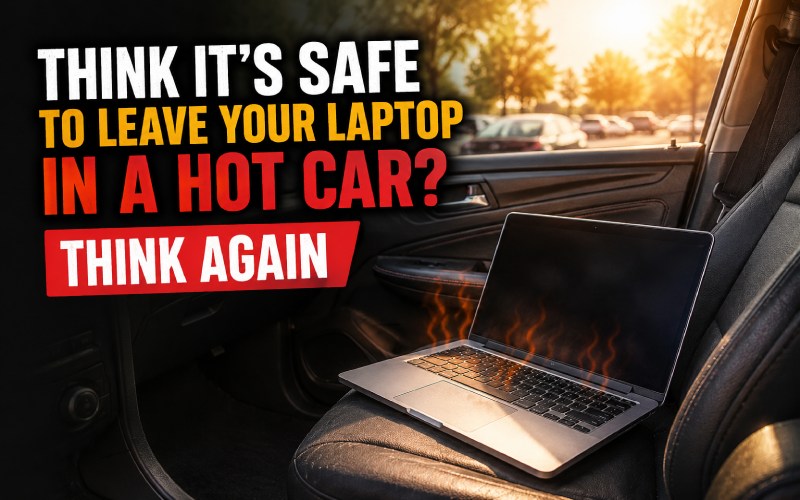
Leaving a laptop in a parked car may look harmless, especially if it’s just for a short time. However, what most people don’t realize is that a car can heat up very quickly and turn into a dangerous environment for electronics. Laptops are sensitive devices, and exposure to high temperatures can permanently damage internal components like the battery, screen, motherboard, and storage drive. In extreme cases, it can even lead to complete device failure. On top of that, leaving your laptop in a car also increases the risk of theft.
In this guide, you’ll learn what happens when a laptop is exposed to heat, the warning signs of damage, and how to protect your device effectively.
Why Heat Is Dangerous for Laptops
Laptops are designed to work within a safe temperature range. When the temperature goes beyond this limit, internal components start to degrade. Excessive heat can affect battery performance and lifespan, screen display quality, processor and motherboard stability, and overall system performance. Inside a parked car, temperatures can rise rapidly, especially in summer, making it unsafe for electronic devices.
What Happens When You Leave a Laptop in a Hot Car
Even when turned off, a laptop is still vulnerable to heat damage. A closed car can trap heat and reach extreme temperatures within minutes.
Battery Damage
Laptop batteries are one of the most sensitive parts. High heat can lead to faster battery drain, swelling or leakage, reduced charging capacity, and permanent damage in severe cases.
Screen and Hardware Damage
Heat can also affect the display and internal hardware, causing screen fading or discoloration, permanent display damage, motherboard or CPU issues, and unexpected system crashes.
Signs Your Laptop Has Heat Damage
If your laptop has been exposed to high temperatures, watch for these signs: battery drains unusually fast, device feels hot even during light use, screen shows strange colors or dead pixels, sudden shutdowns or slow performance, and keyboard or base feels unusually warm.
Does Sleep Mode Protect Your Laptop?
No, sleep mode does not protect a laptop from heat damage. Even when a laptop is turned off or in sleep mode, external heat from a car can still damage internal components. Fully shutting it down reduces risk slightly but does not eliminate it.
Real Risks of Leaving a Laptop in a Car
Many users have reported real-life damage after leaving laptops in hot cars. Common problems include swollen batteries, display failure, data loss or corruption, and complete hardware failure. Even a short exposure to extreme heat can lead to costly repairs.
How to Protect Your Laptop from Heat Damage
Avoid leaving your laptop in a parked car, use a thermal-insulated laptop bag, park in shaded or covered areas, and let the laptop cool down before turning it on.
Safe Temperature Range for Laptops
Ideal operating temperature: 10°C to 35°C (50°F to 95°F). Safe storage range: -20°C to 45°C (-4°F to 113°F). Danger zone: above 35°C for long exposure.
Final Thoughts
Leaving a laptop in a hot car is a risky decision that can lead to serious and sometimes irreversible damage. Heat can affect every major component of your device, even if it is switched off. By taking simple precautions like avoiding heat exposure and using protective bags, you can significantly extend your laptop’s life and prevent costly repairs.

You may also like ...